Party! guideSee the roll the morning after
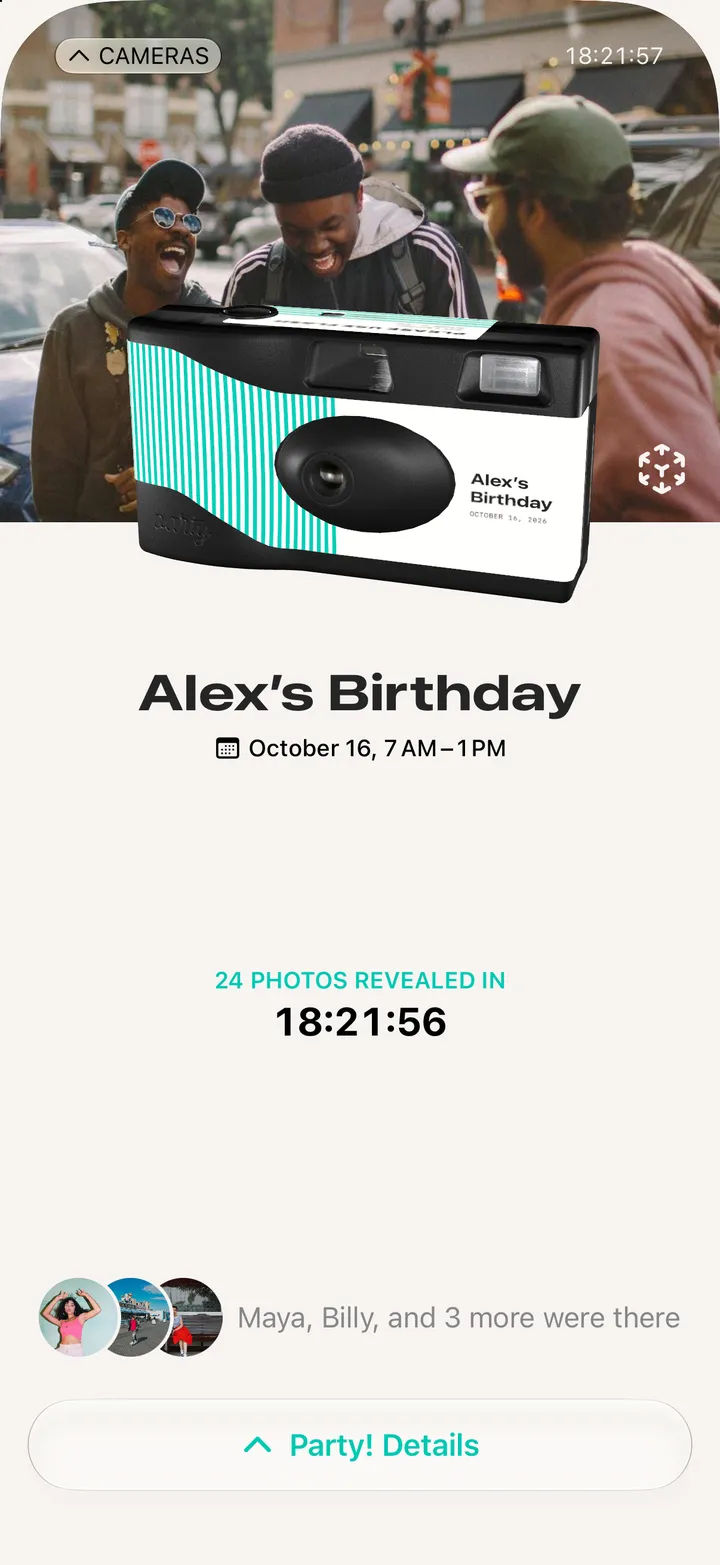
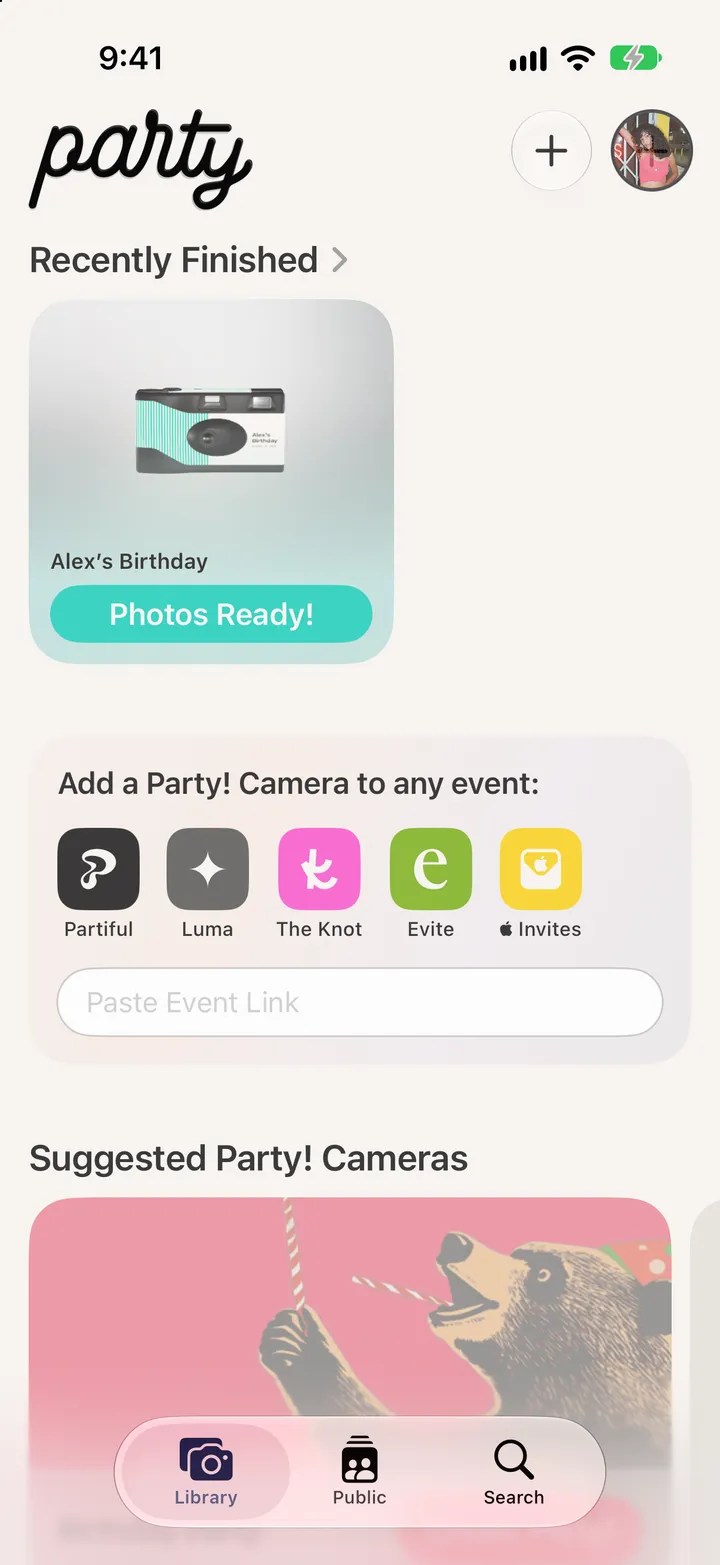
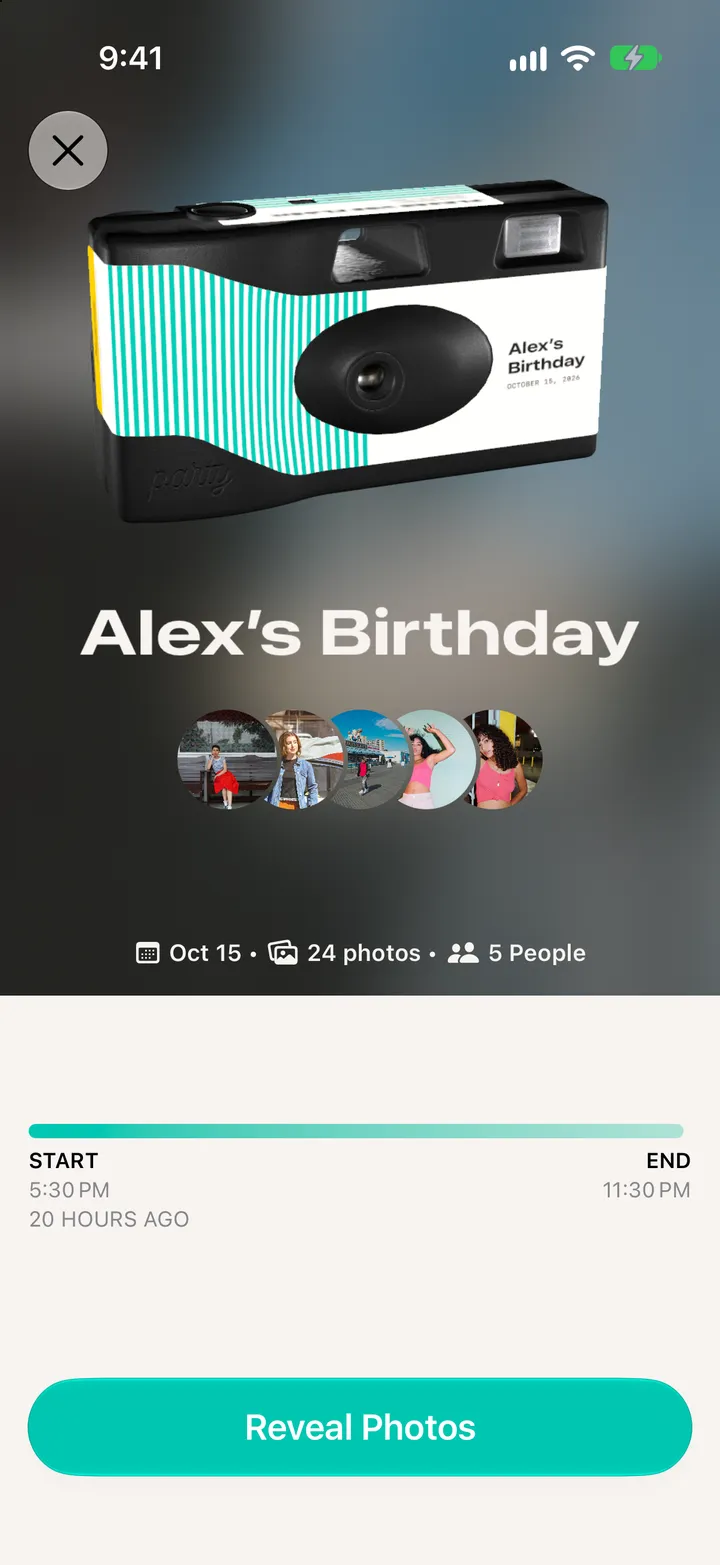
After the party the camera counts down to the reveal. The morning after, tap Photos Ready! in your Library, then Reveal Photos.
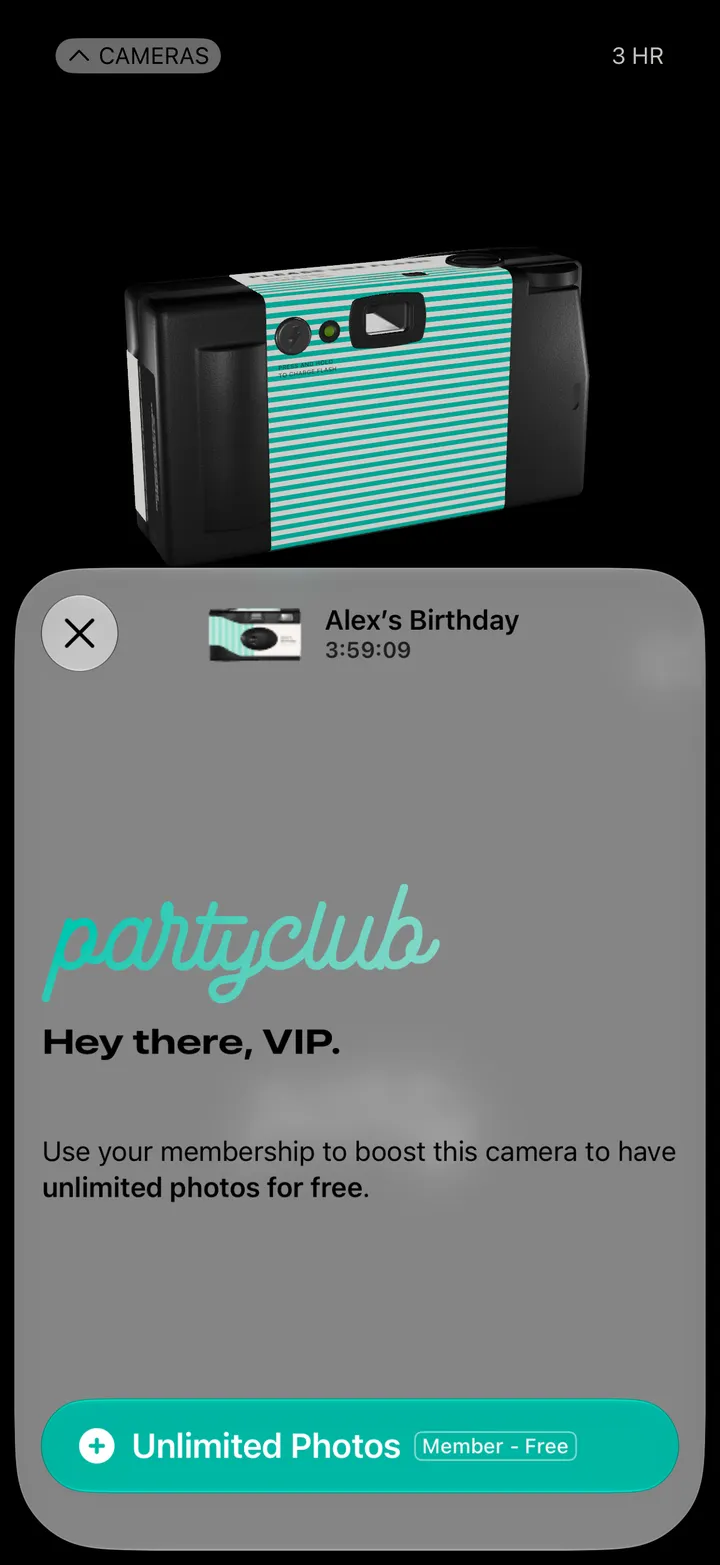
Party! · 1.4 · 7 stepsWhen the party ends, the camera counts down to the reveal.
In your Library, under Recently Finished. Party! tells you when they’re ready.
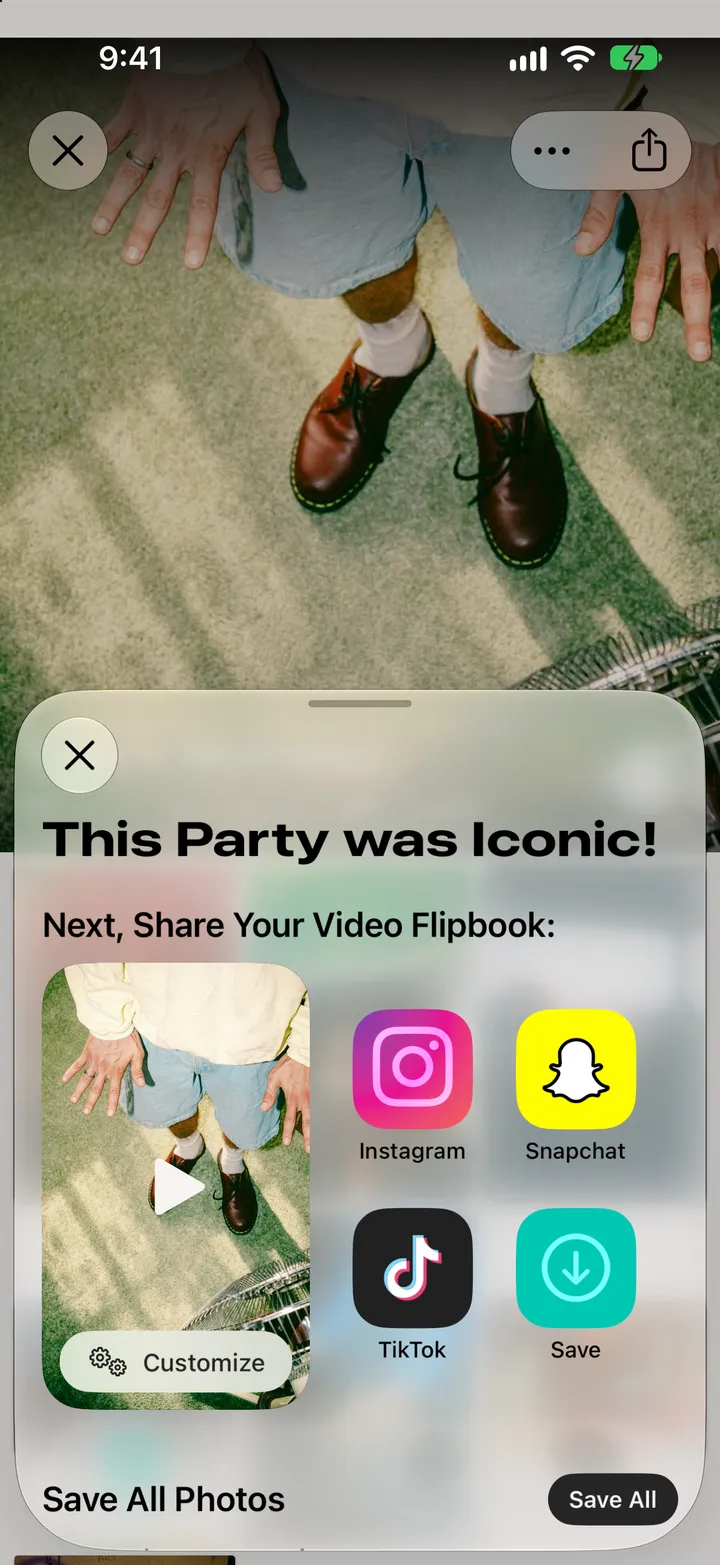
Party! saves the photos you took to your iPhone’s Photos as it goes.
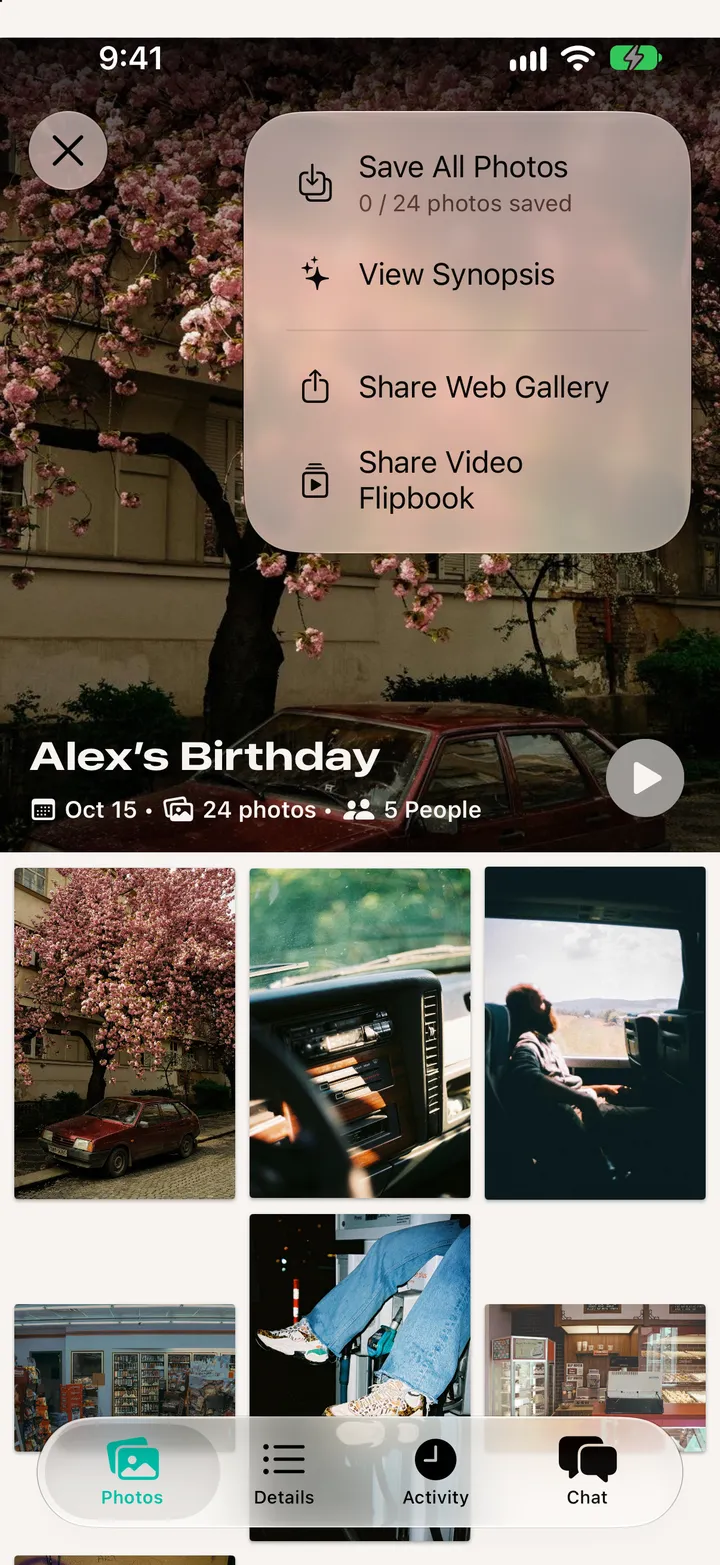
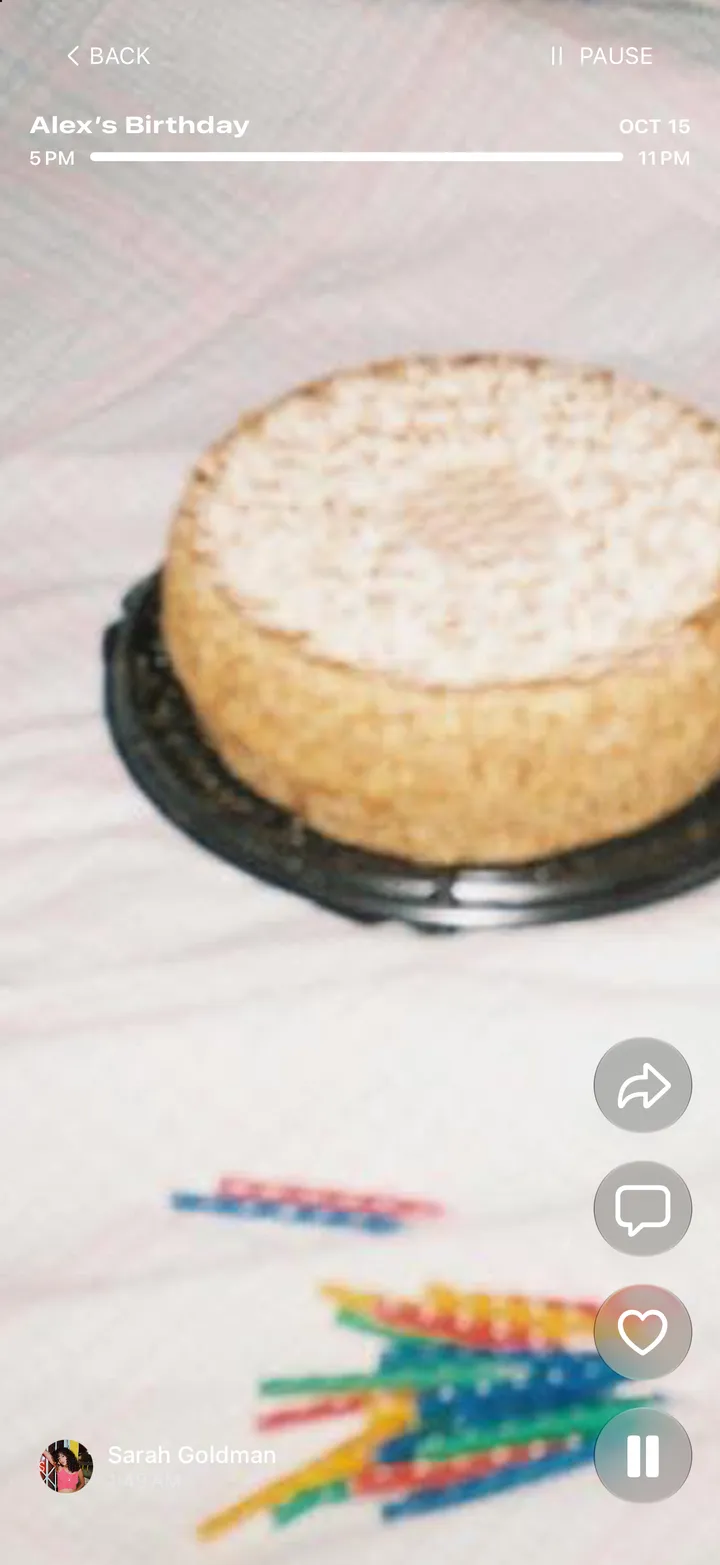
The flipbook runs through every photo, with who took it.
The whole roll goes to your Photos. The flipbook can go out as a video.
Every photo from every phone. Tap ••• at the top for more.
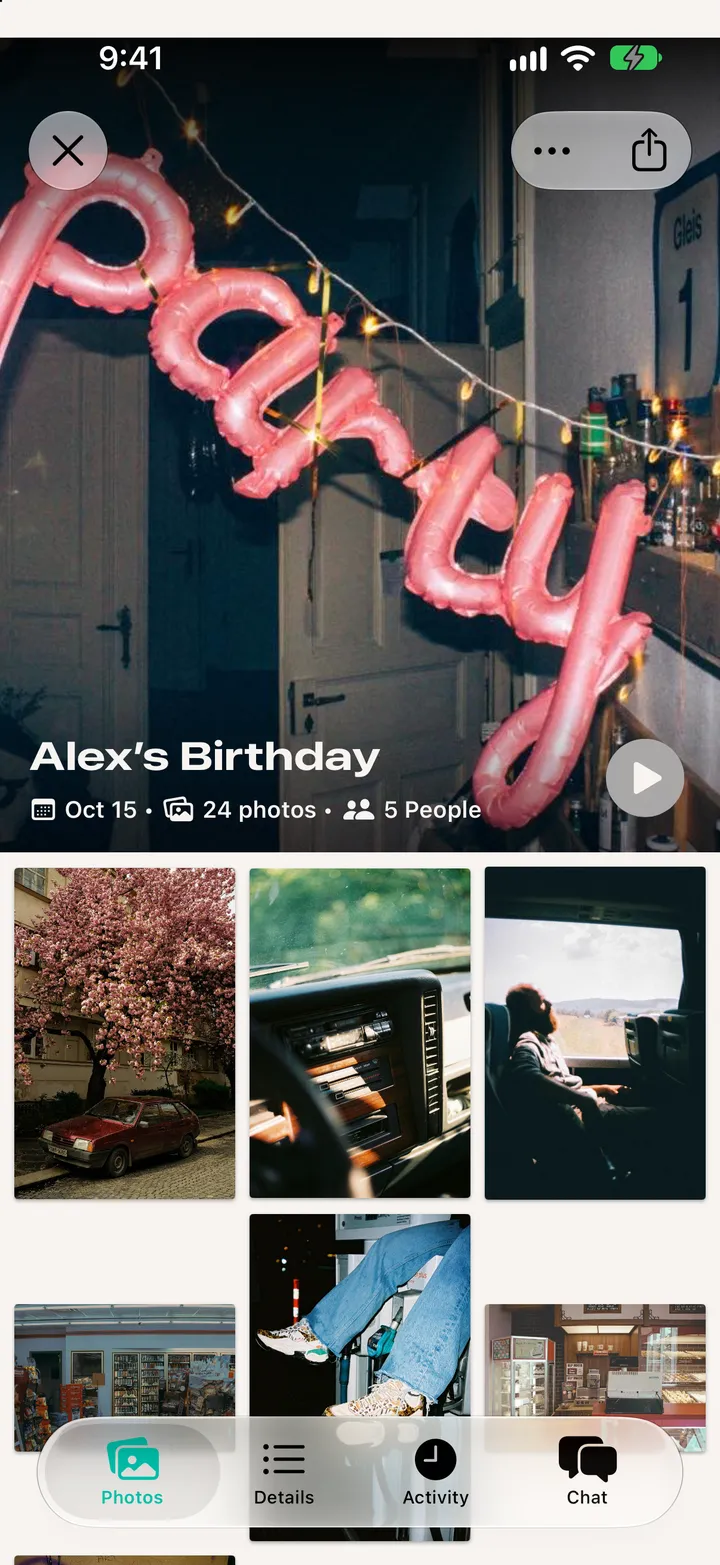
Share Web Gallery sends a link to the whole roll. Save All Photos is here too.