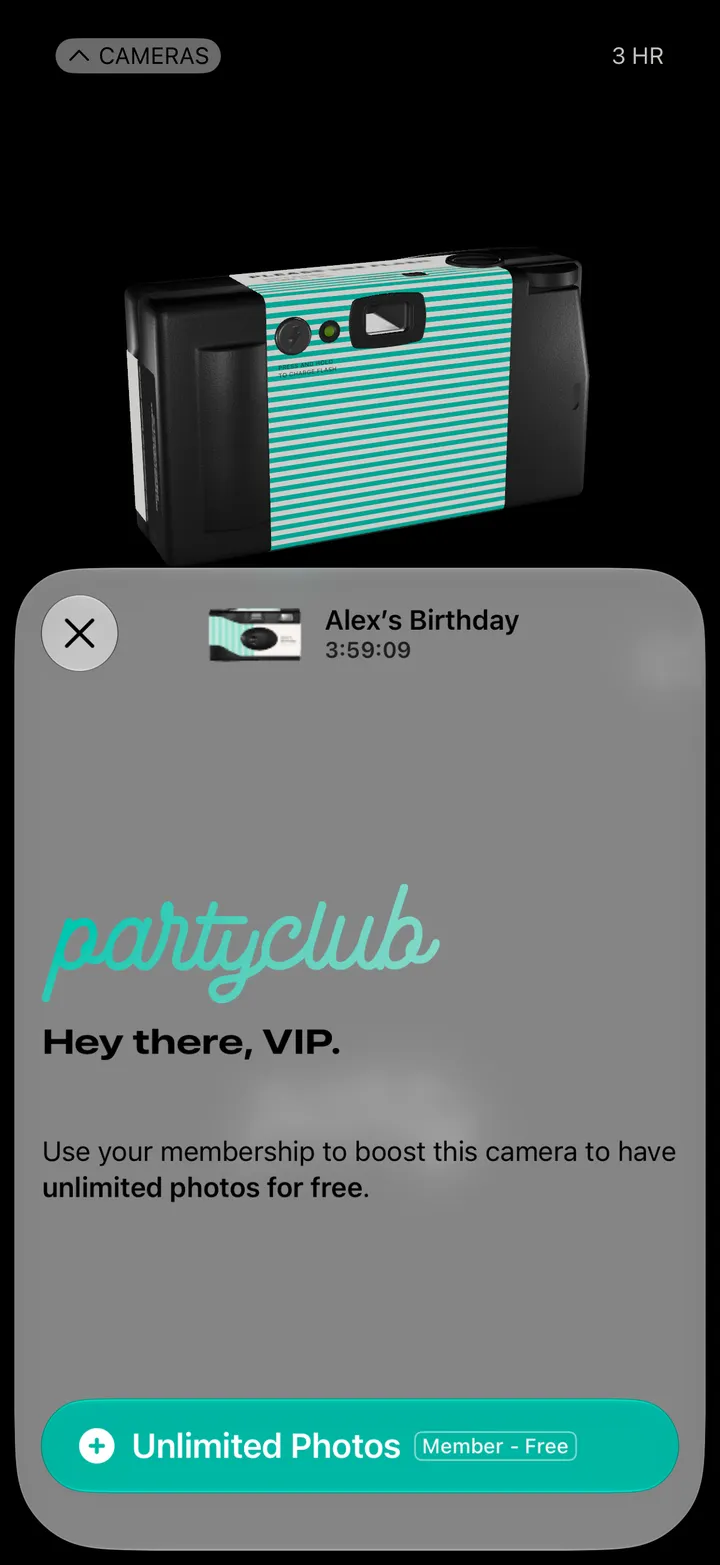
Party! guideJoin a Party! as a guest
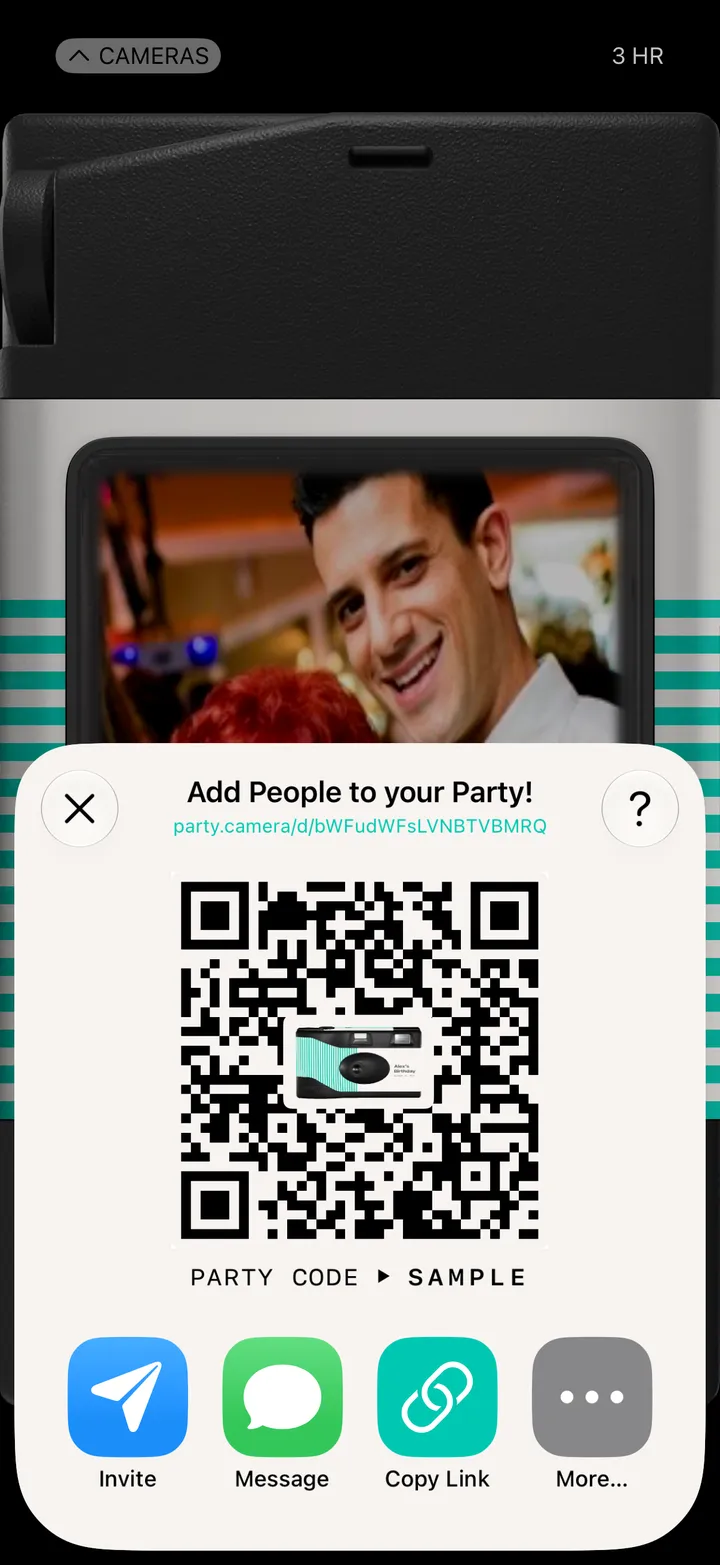
Scan the host’s QR code with your iPhone’s Camera, get Party!, add your name and tap Join the Party!
Party! · 1.3 · 7 stepsOpen your iPhone’s Camera, point it at the QR code and tap the link that comes up.
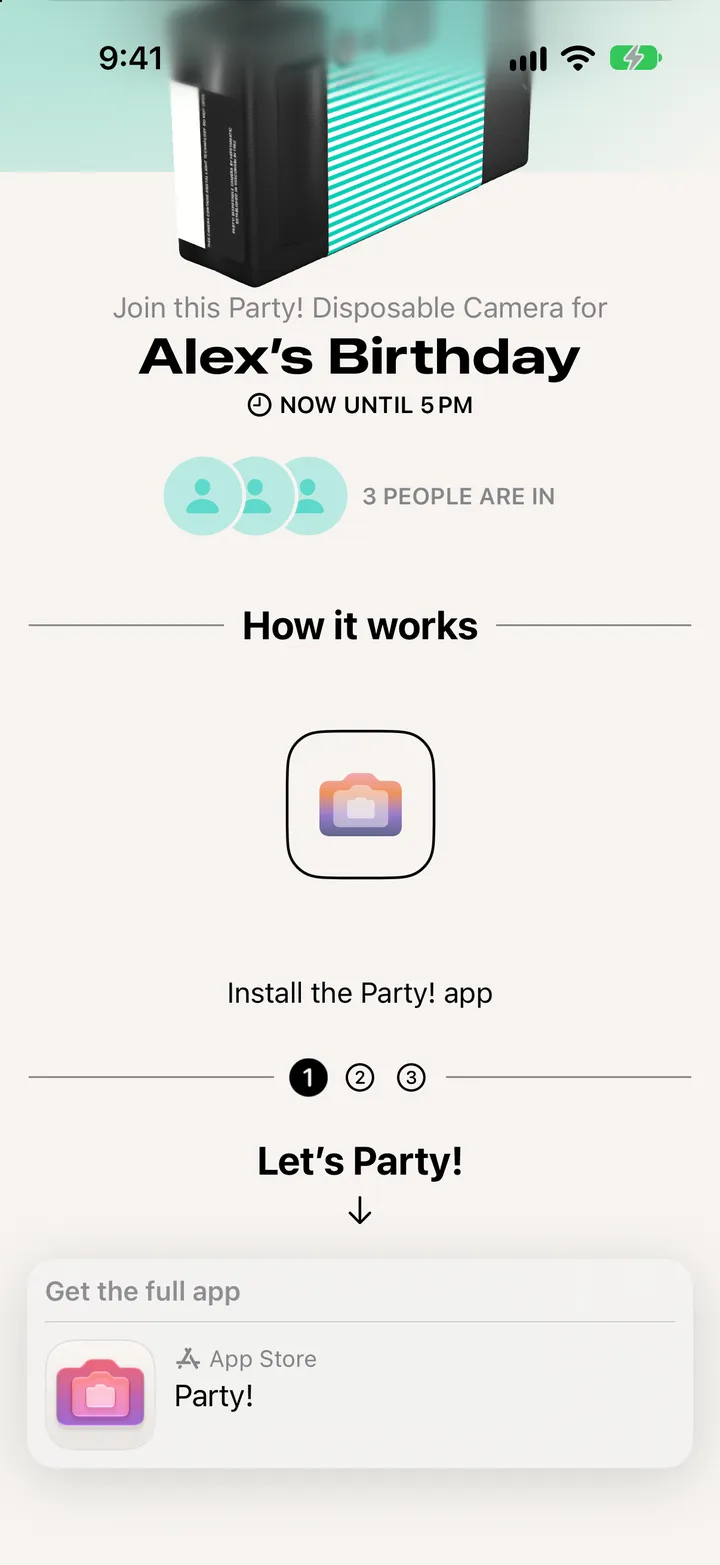
The code opens an App Clip, a preview of the party. It’s there to get you the app: tap the App Store bar, then Get.
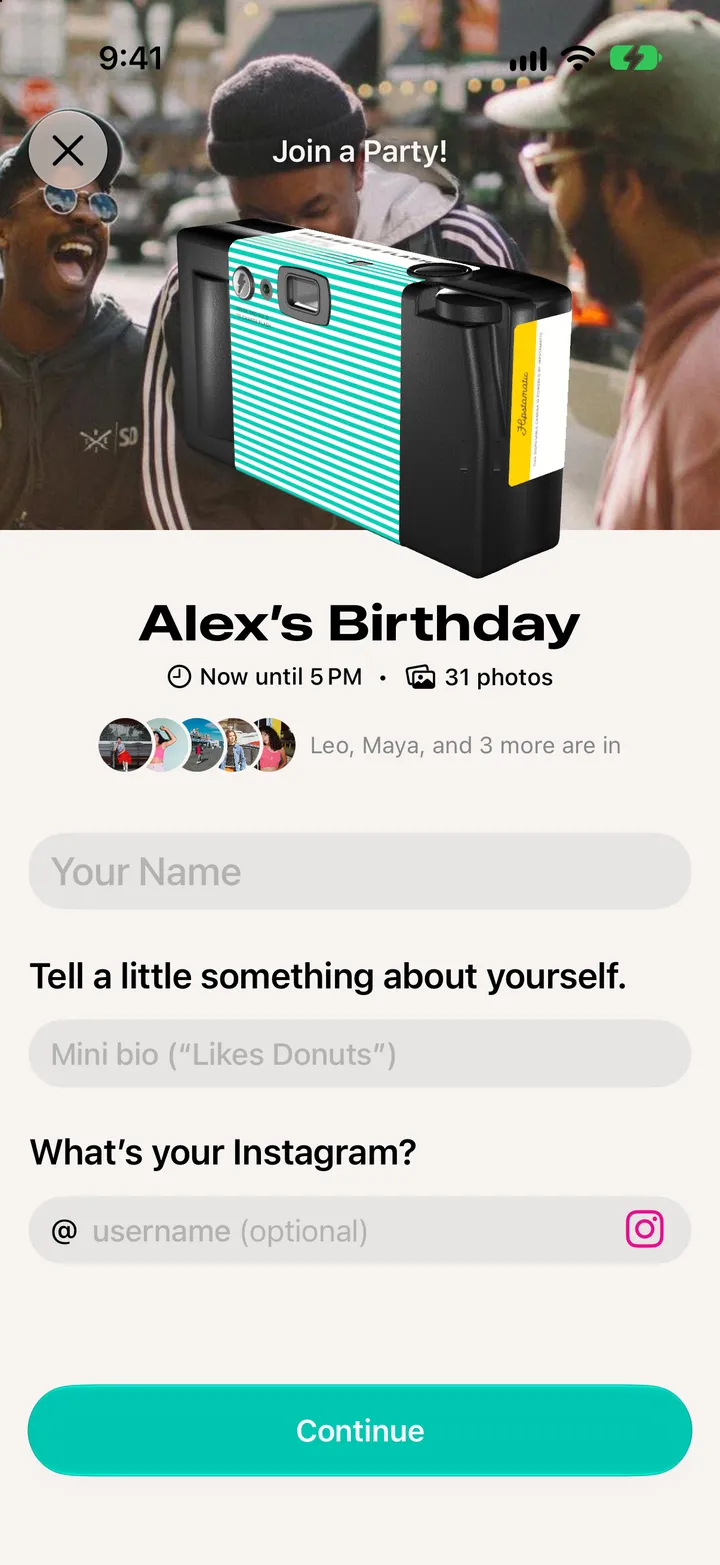
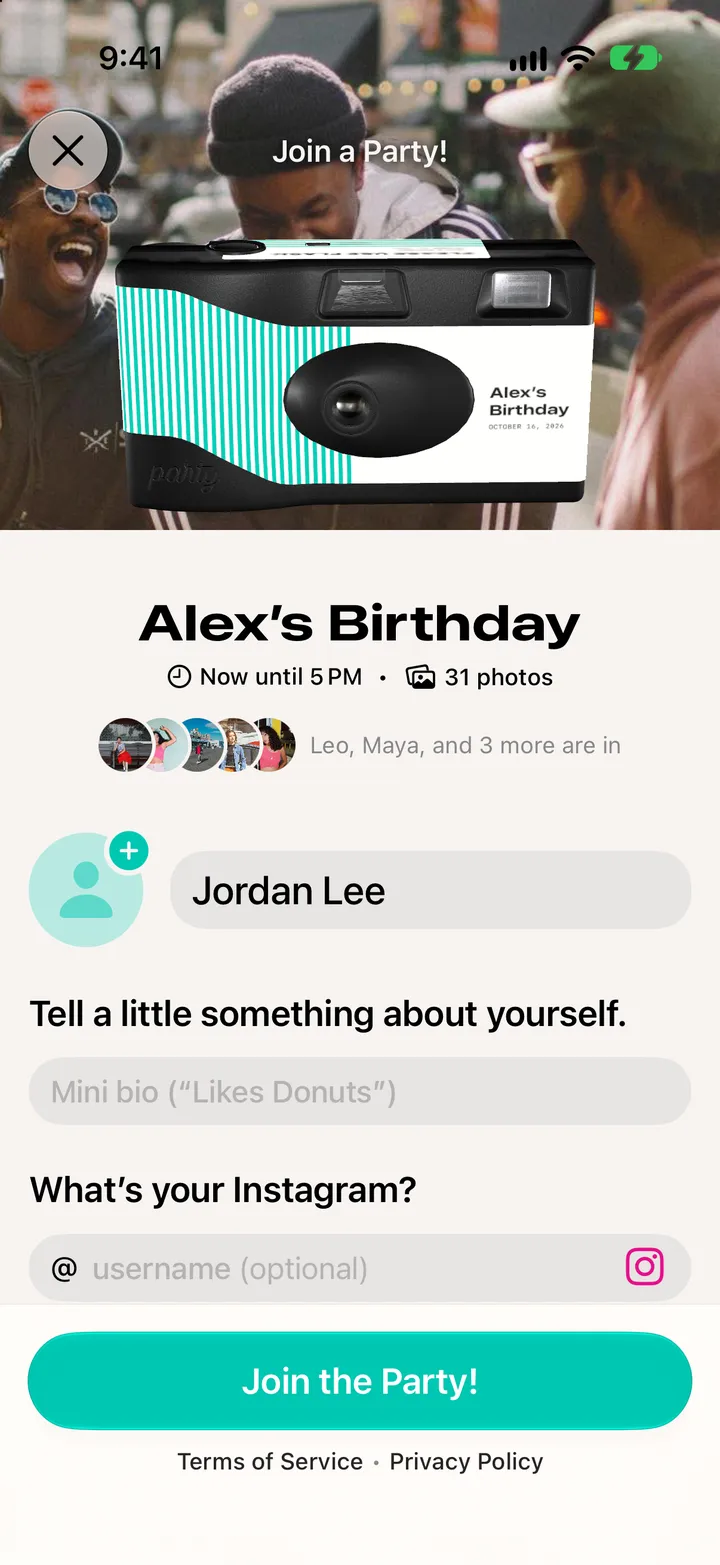
The party’s waiting for you. A line about yourself is up to you.
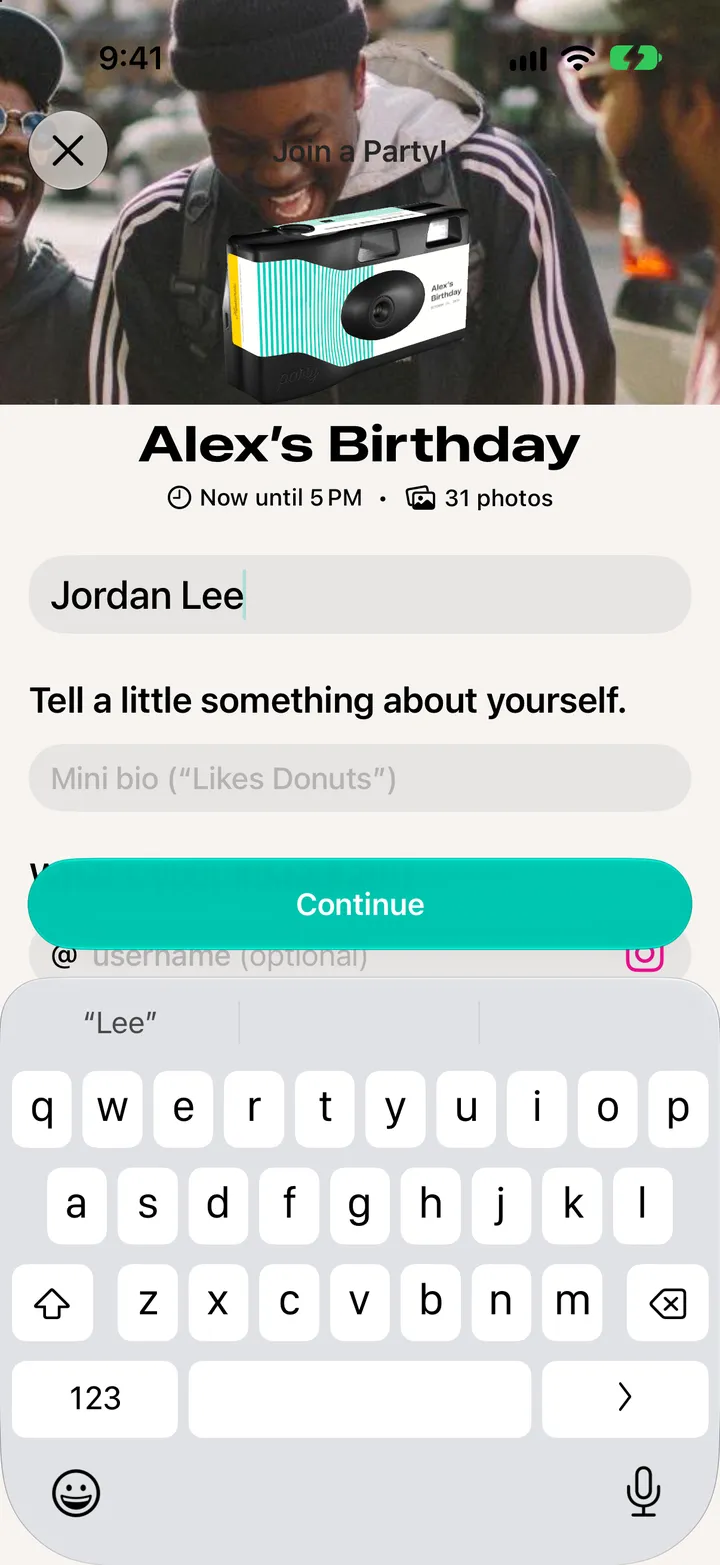
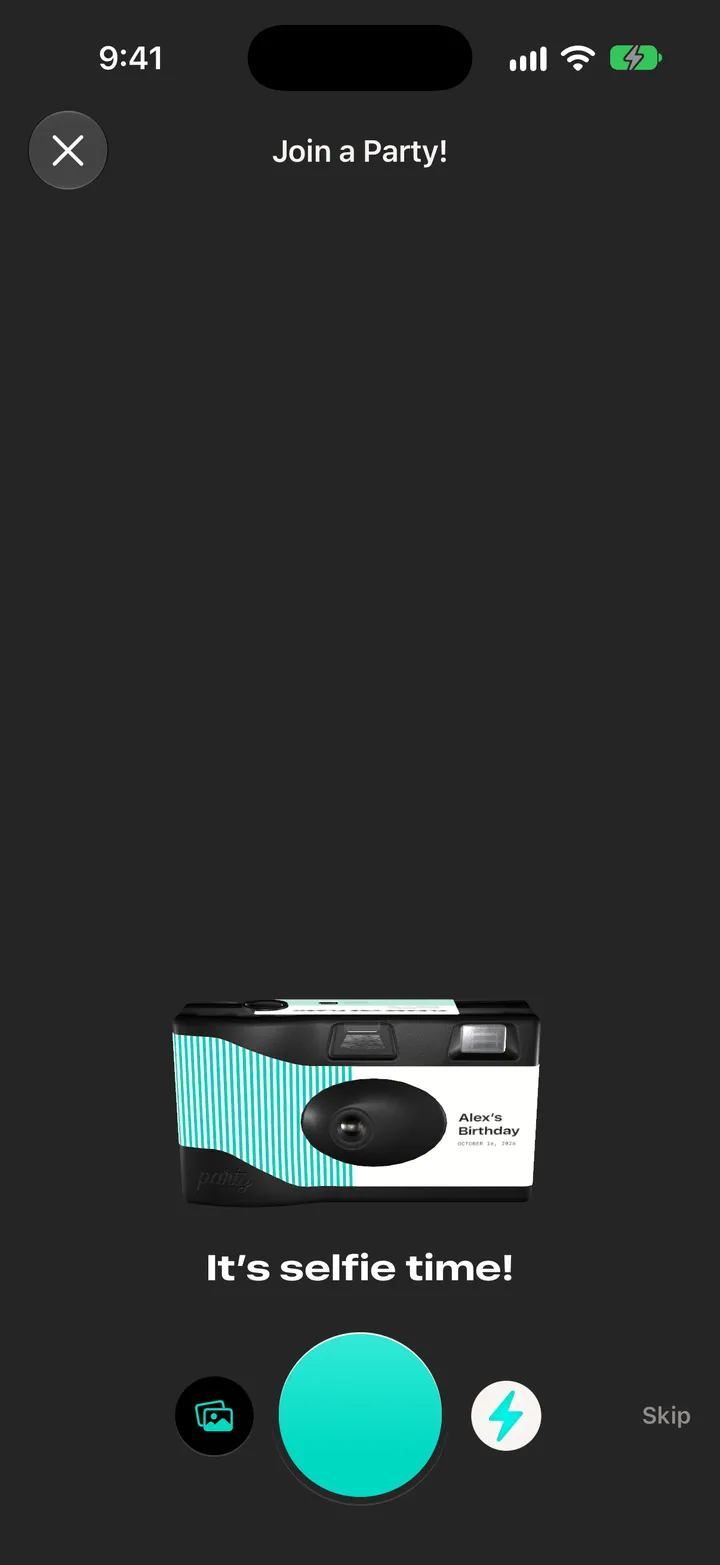
It’s your picture on the camera. Or tap Skip.
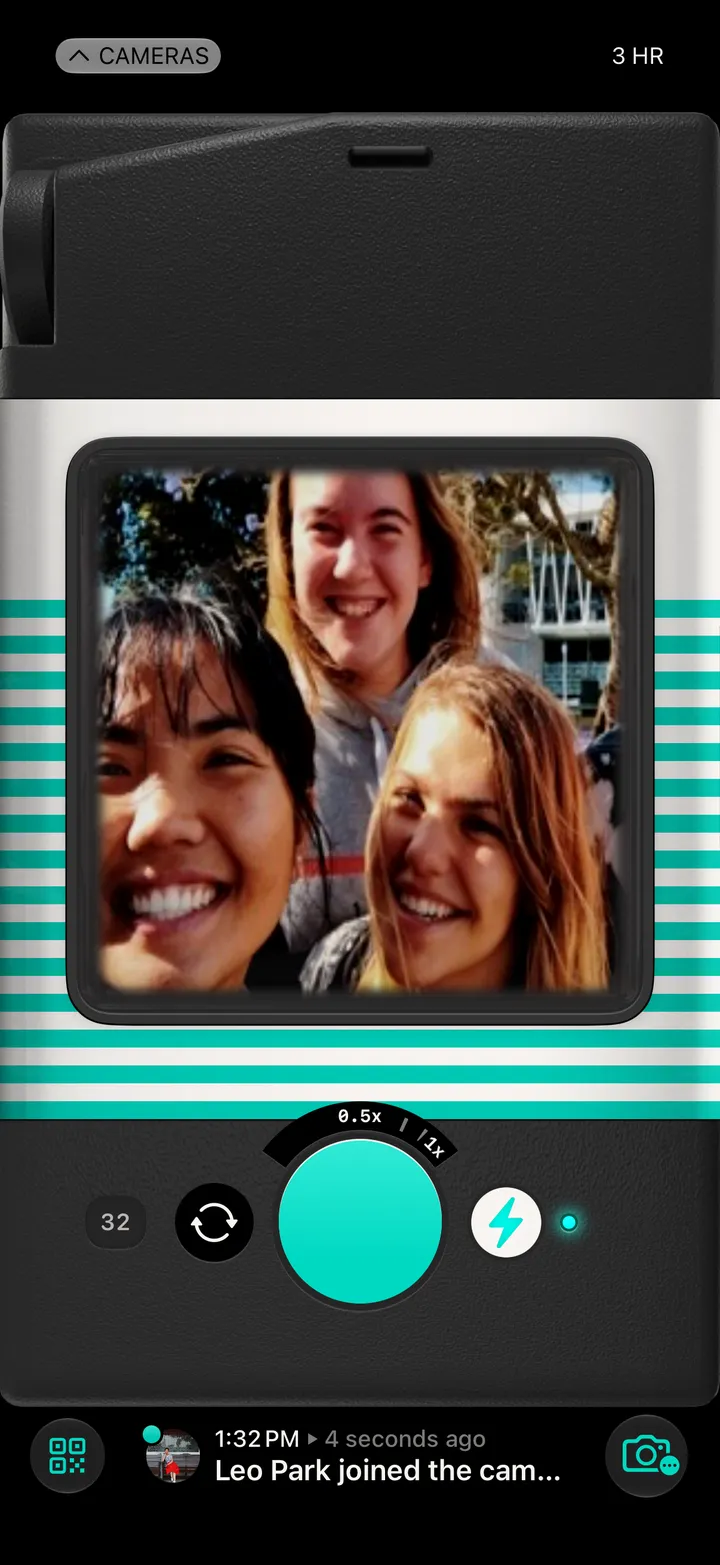
Everybody’s photos stay hidden until the reveal.