Party! guideInvite guests

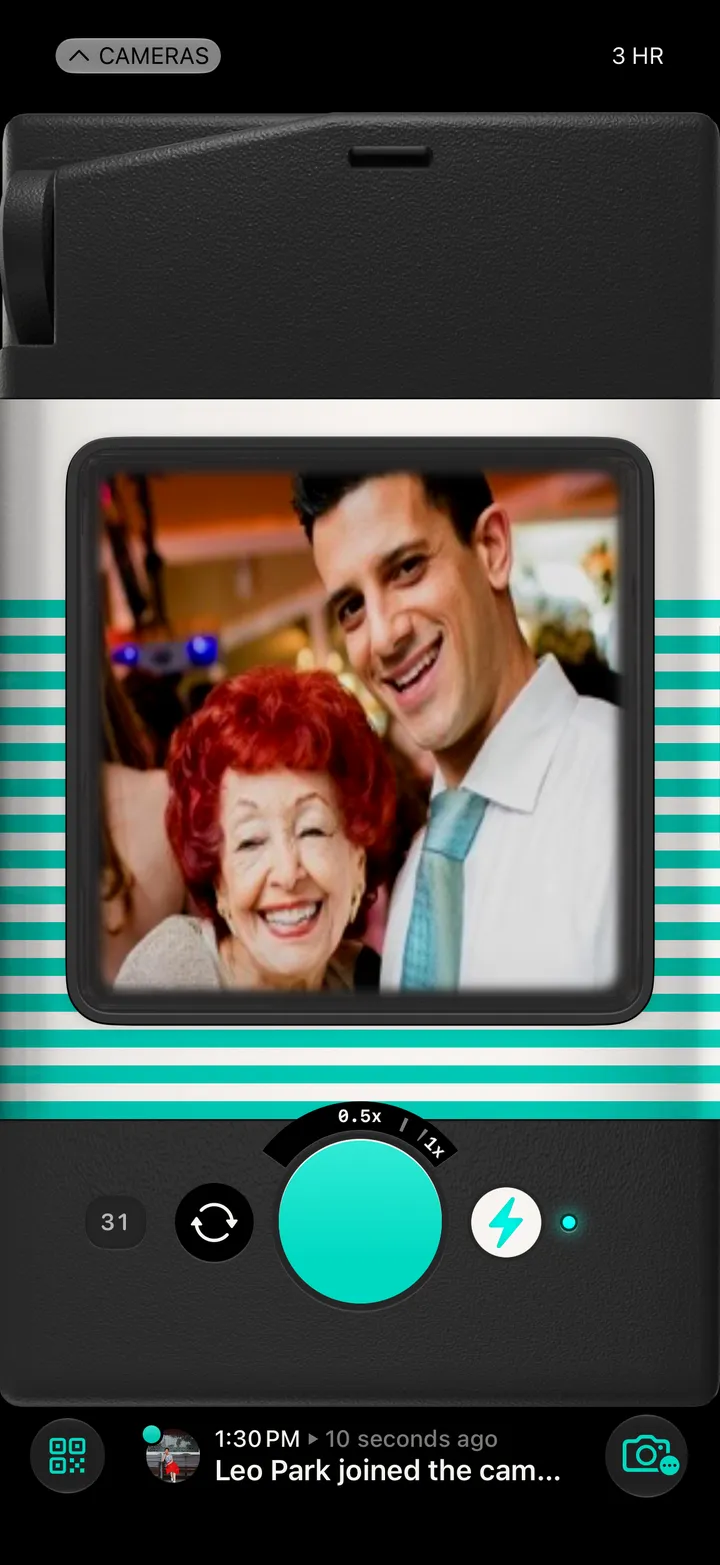
Tap the QR code button at the bottom left of your camera. Guests scan the code, or you send the link from the same card.

Party! · 1.2 · 4 steps
  1. 01

    Tap the QR code button

    Bottom left of your camera.

    Step 1: Tap the QR code button
  2. 02

    Let them scan it

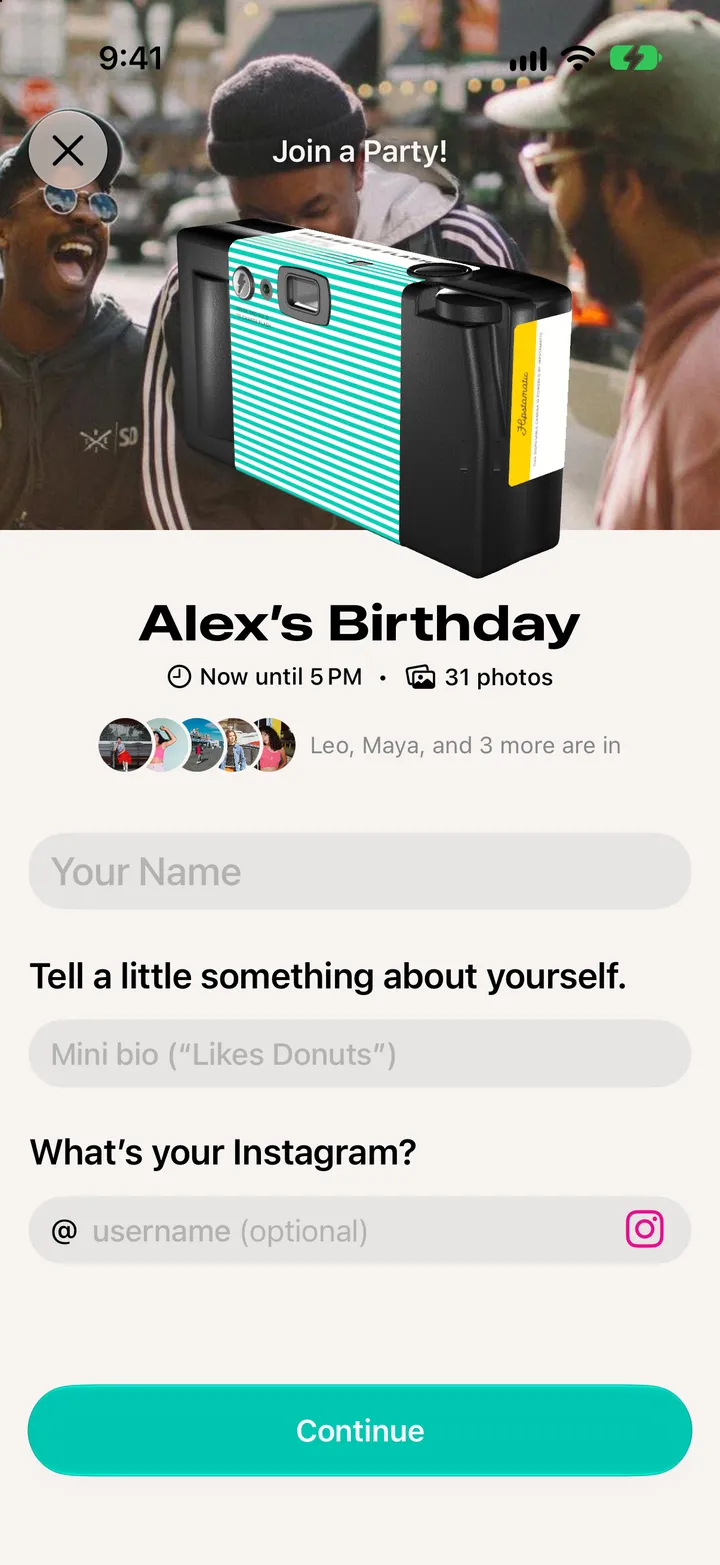
    Guests point their iPhone’s Camera at the code. The party code under it works too.
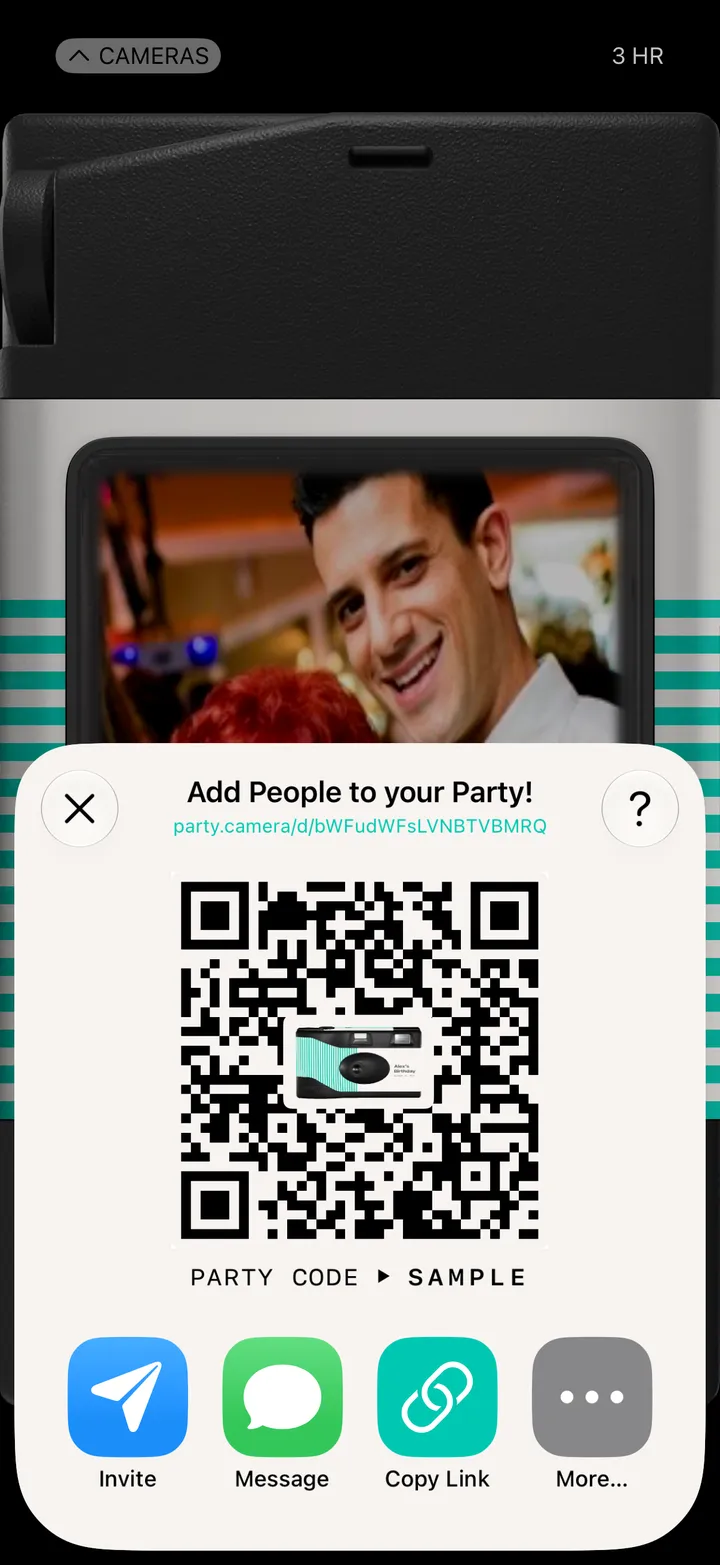
    Step 2: Let them scan it
  3. 03

    Or send the link

    Message texts it. Copy Link copies it.

    Step 3: Or send the link
  4. 04

    Tap More… for everything else

    Mail, WhatsApp, Snapchat and the rest. Swipe for the QR code as a picture.
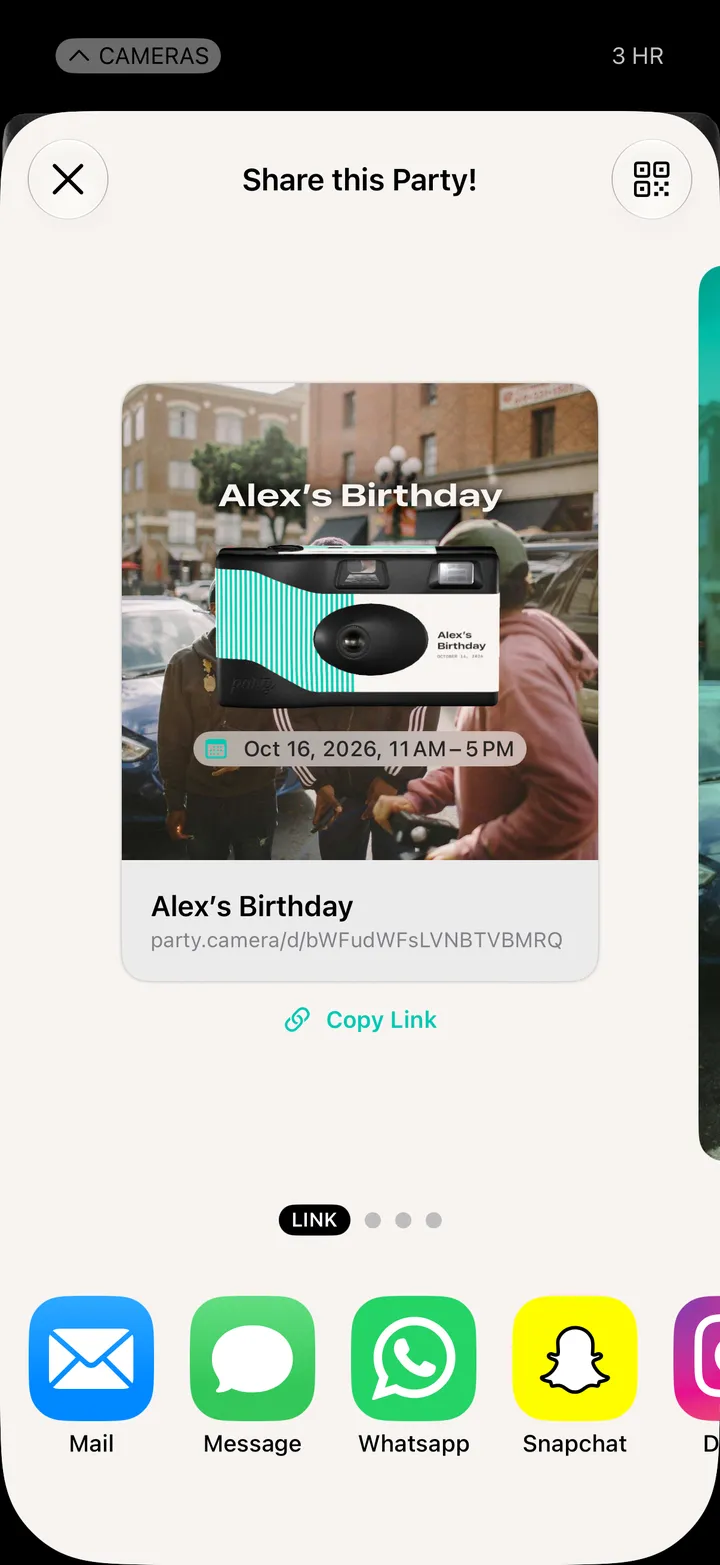
    Step 4: Tap More… for everything else

Good to know

  • Guests don’t need Party! first. The code opens an App Clip, and it gets them the app.
  • Making it ahead of time? The camera has an Invite button that texts people from your contacts.