 Camera Club guideThe full darkroom
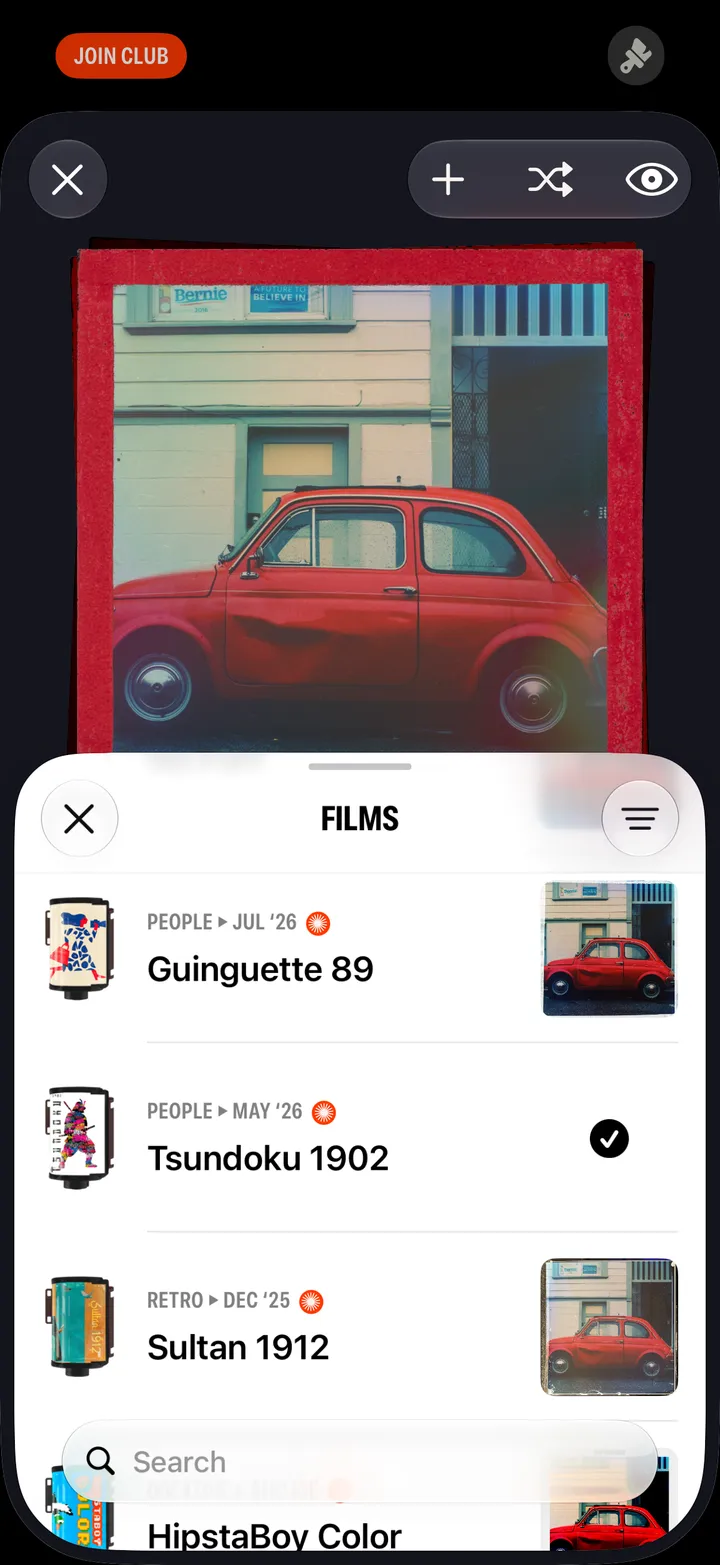
Members can save a crop, an angle or a new shape in the darkroom, and bring photos in with any gear. Without it, you can try them, but Save turns into Join.
Camera Club · 1.5 · 3 stepsDrag, pinch, turn the wheel, pick a shape.
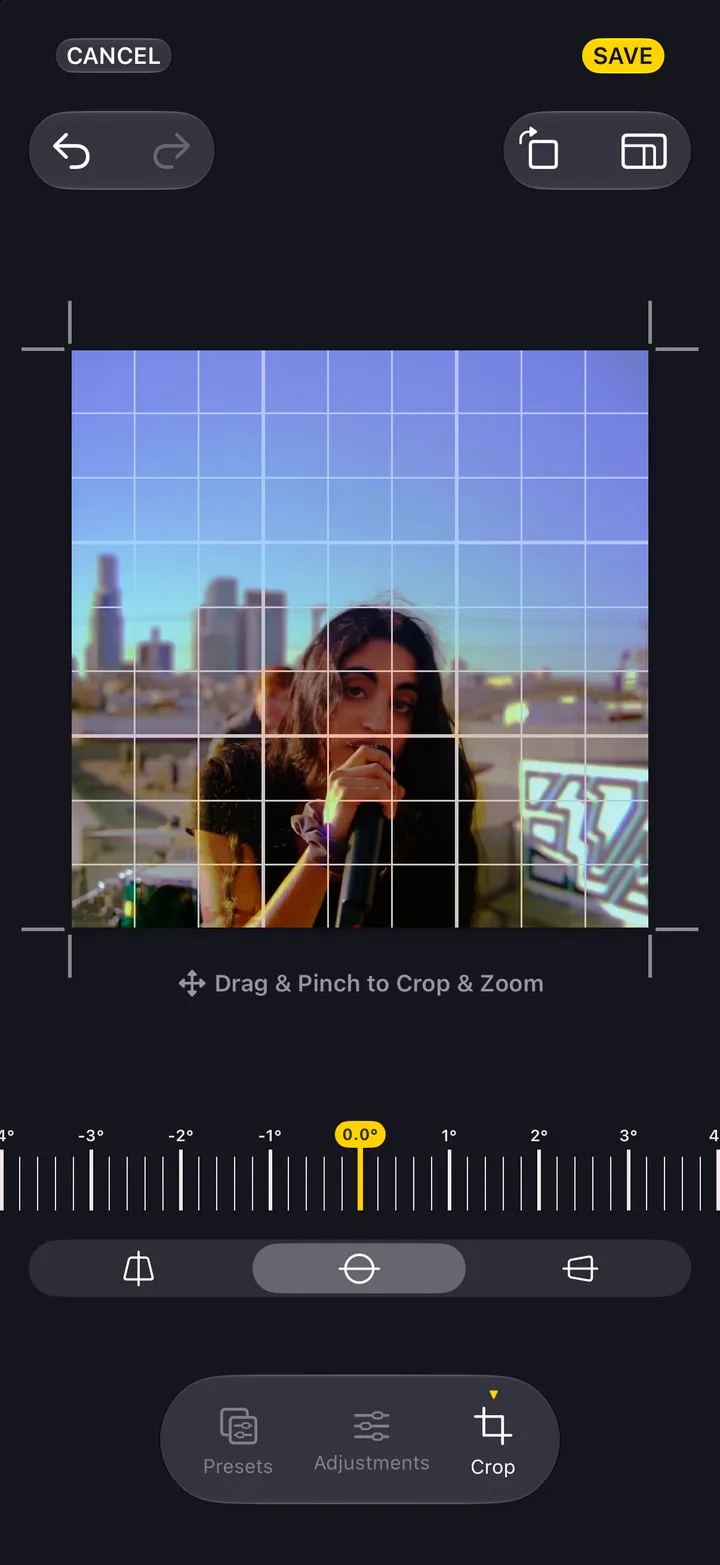
Without Camera Club it says Join, and the preview is marked until you do.
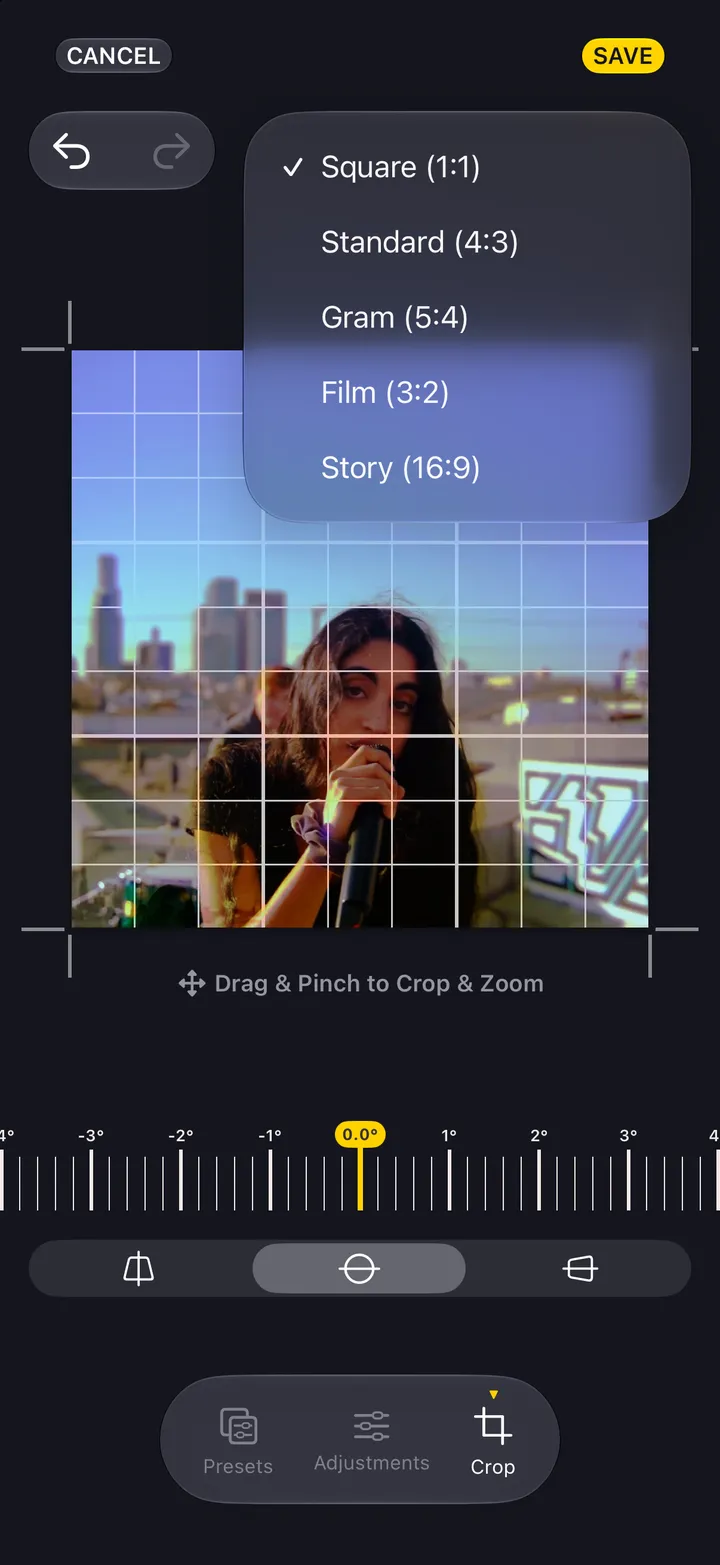
Import Photos: crop them square, or develop them with Automatic, Shuffle or your Favorites.