 Camera Club guideMake the camera yours
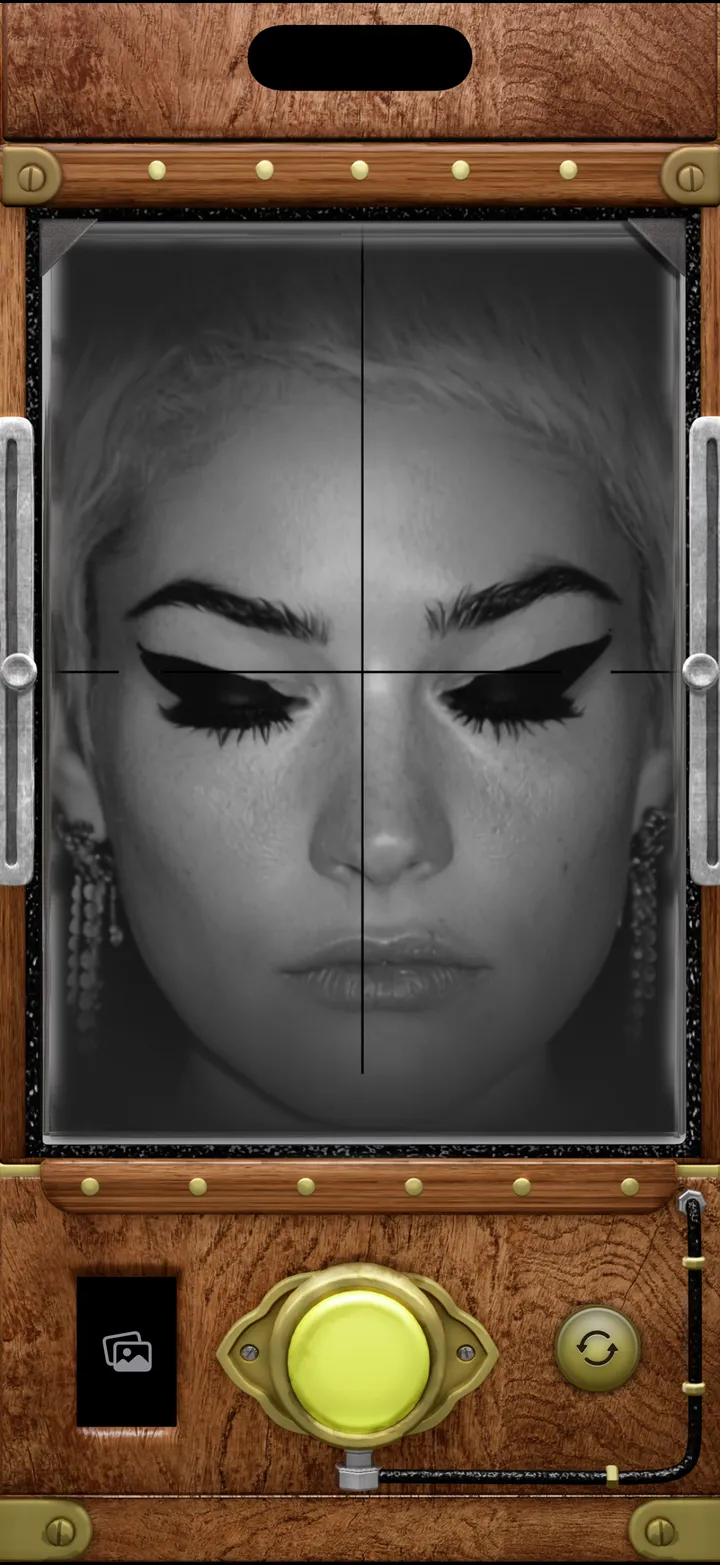
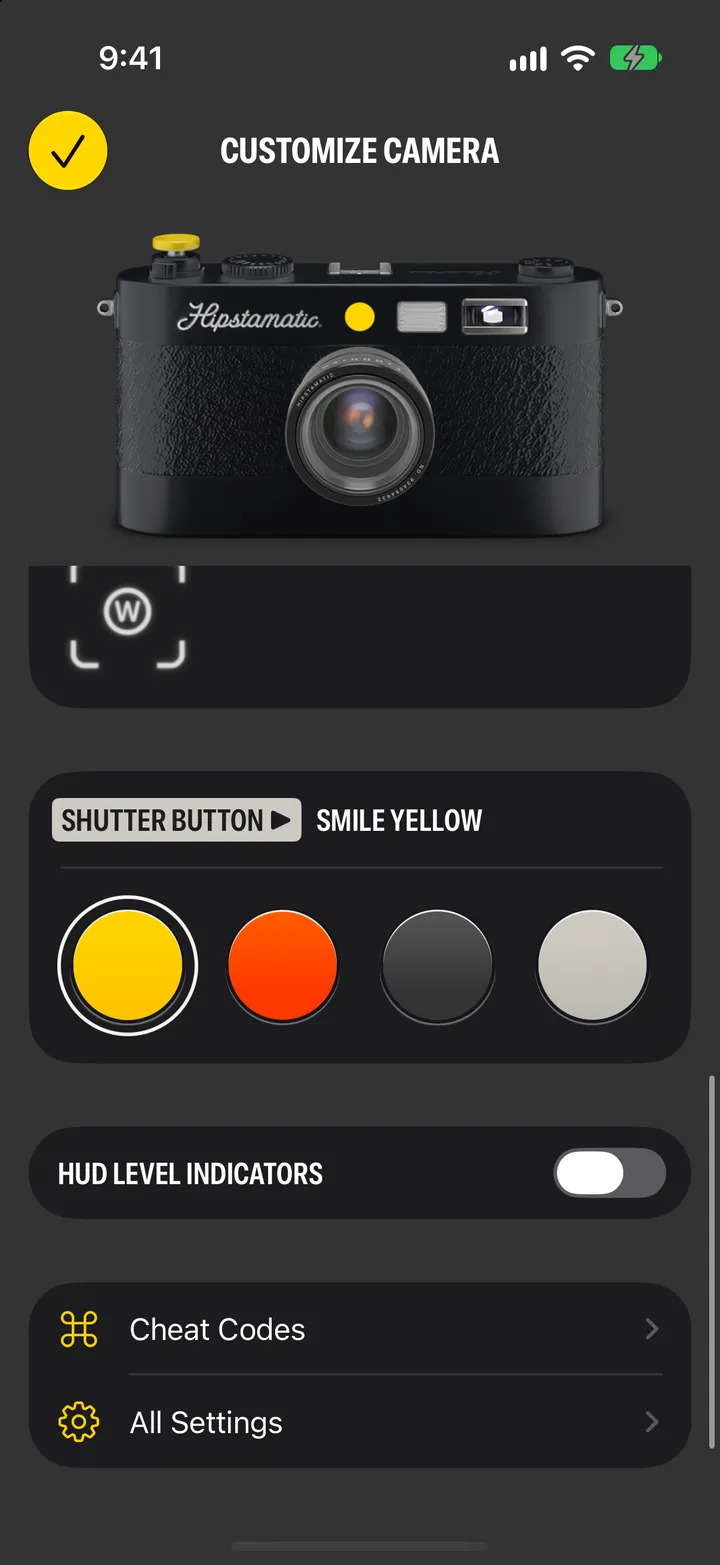
Members get every case, the viewfinder (HUD) colors, every shutter button and every app icon. Tap the paintbrush on the camera.
Camera Club · 1.8 · 4 steps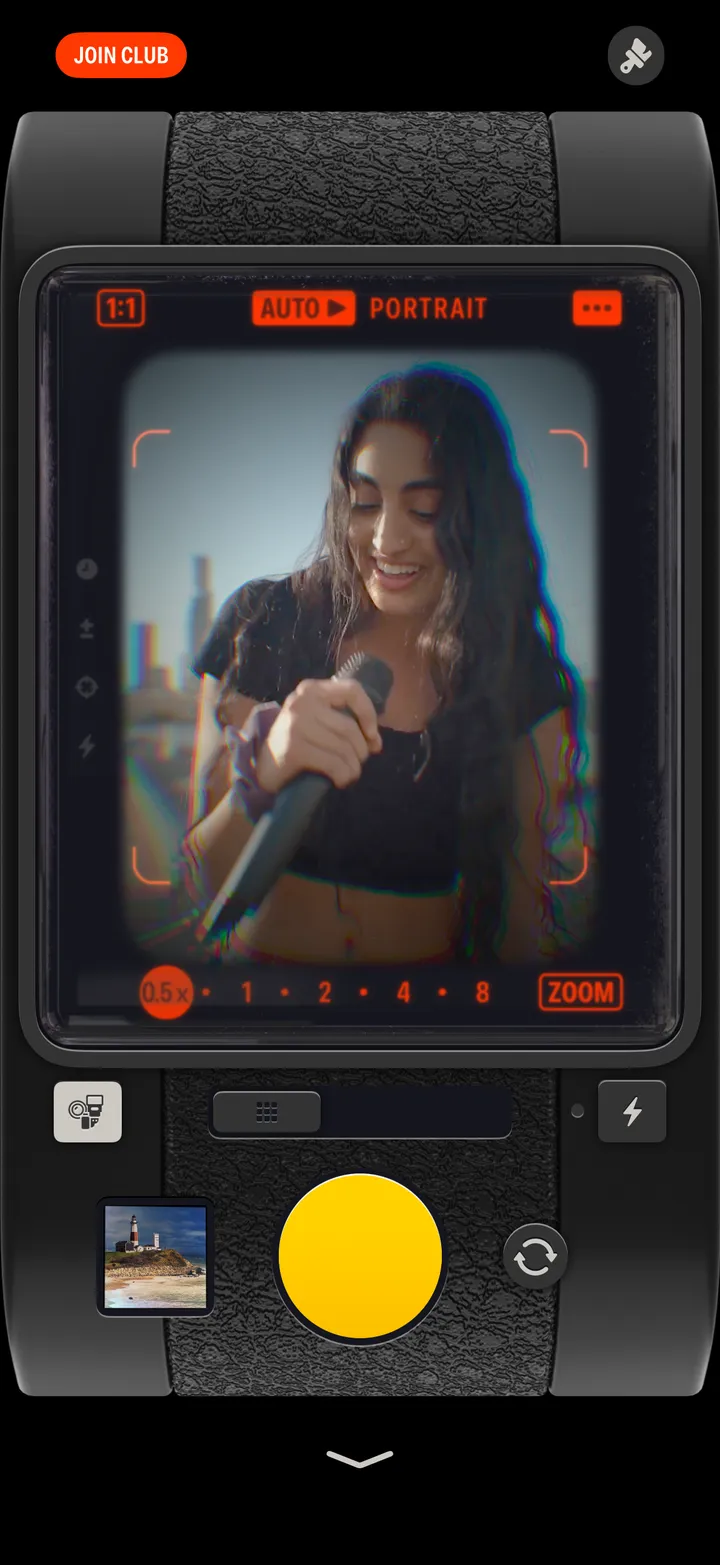
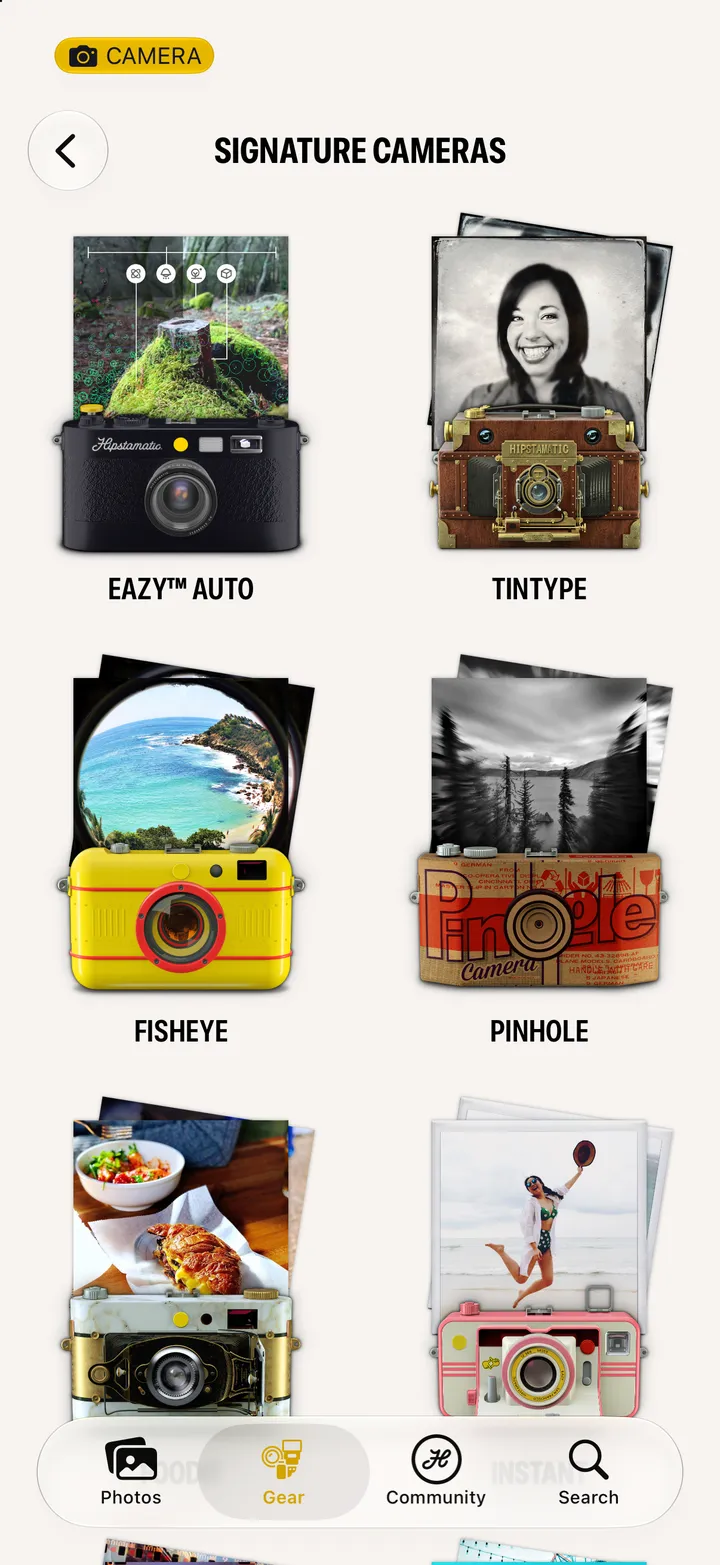
Case ▶ Change. Molded plastic is free; the rest come with Camera Club.
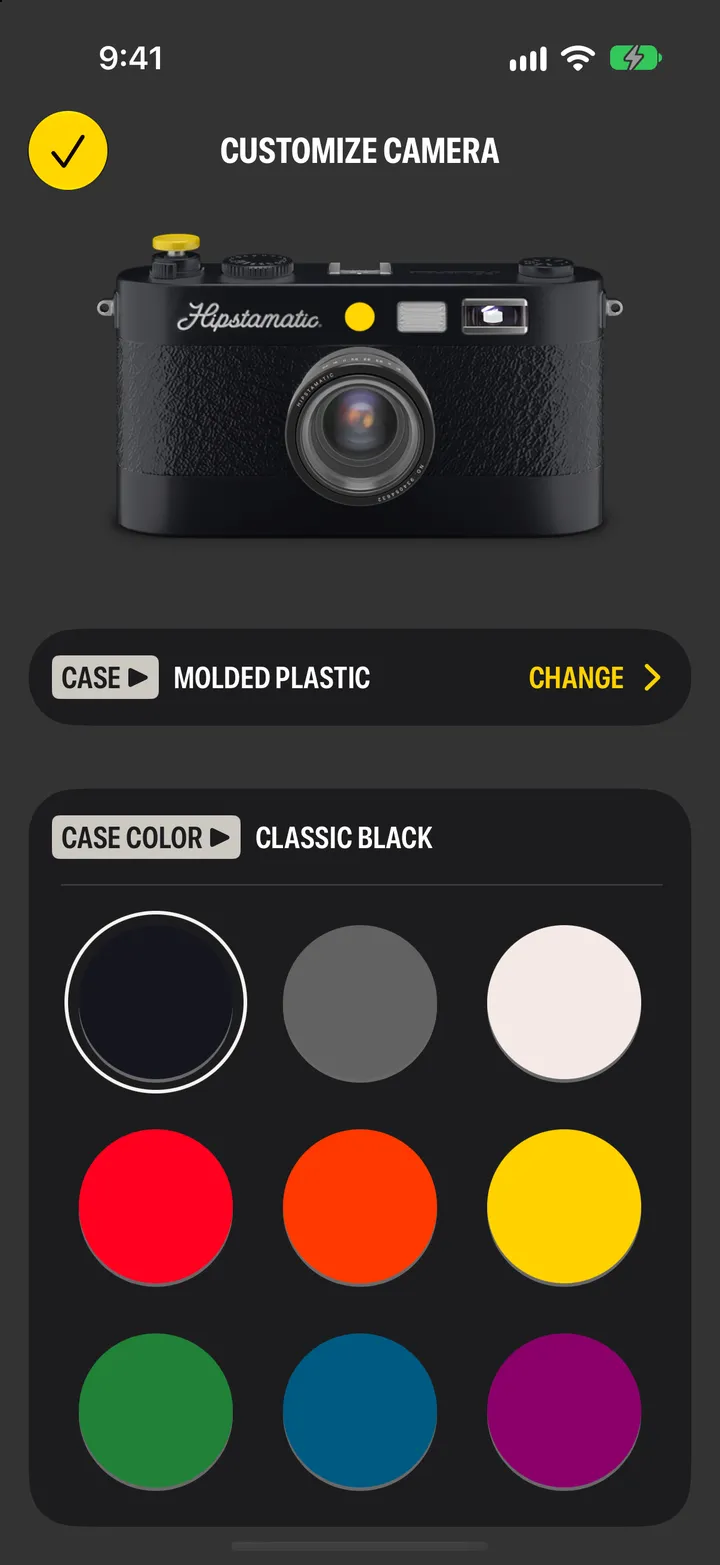
And a viewfinder color, above it.
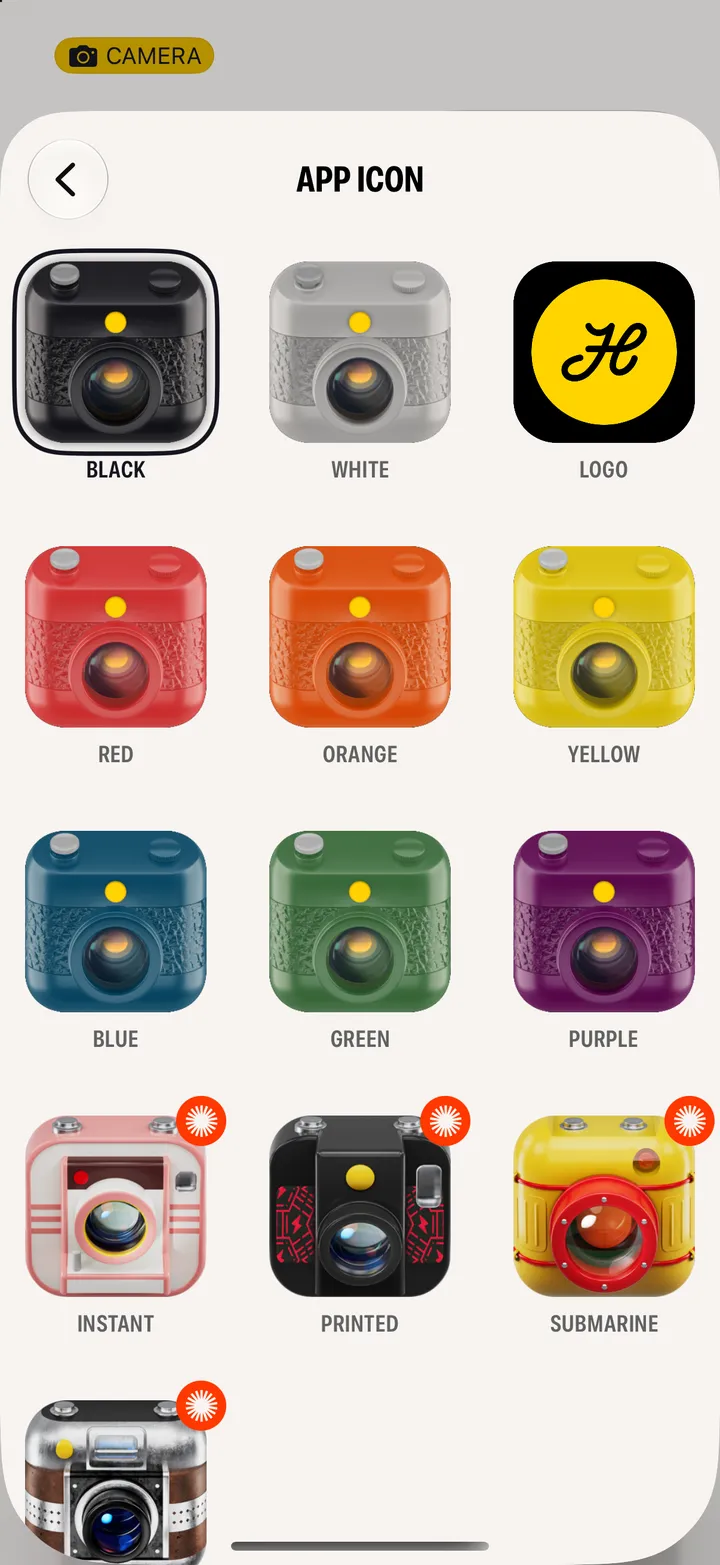
In Settings ▸ App Icon. Instant, Printed, Submarine and Leather come with Camera Club. Nine more are free.