Snap... Then Snap Again
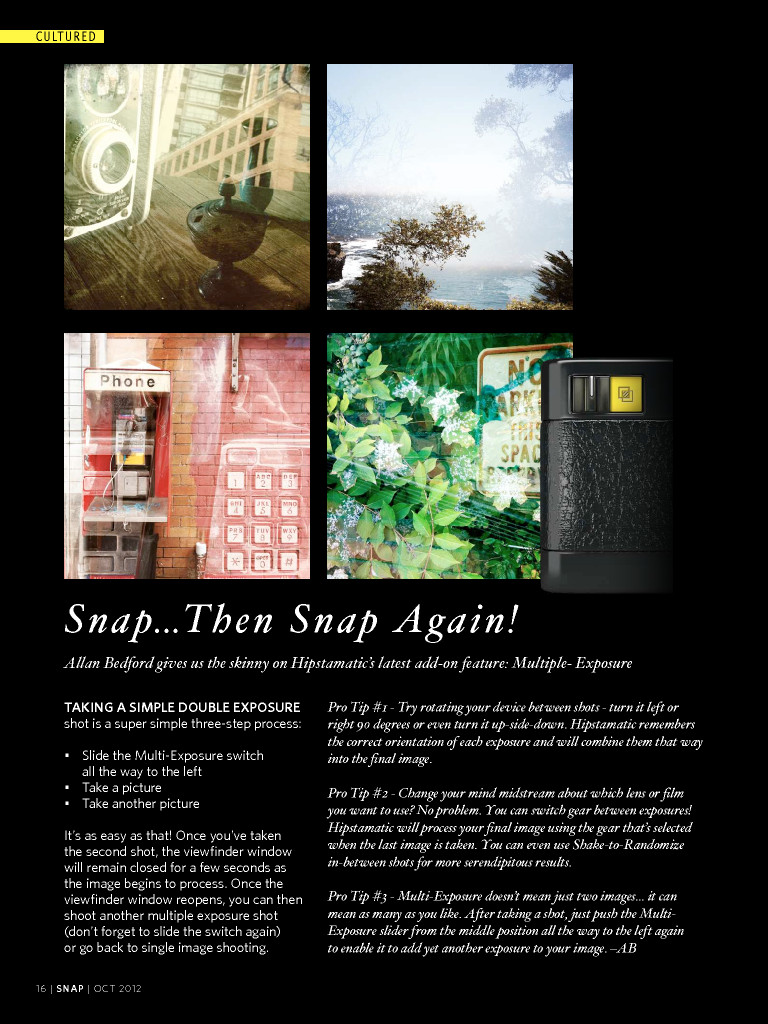
Allan Bedford gives us the skinny on Hipstamatic’s latest add-on feature: Multiple- Exposure
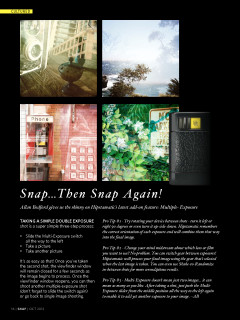
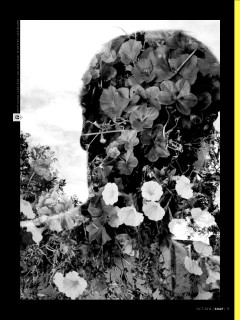
Taking a simple double exposure shot is a super simple three-step process:
• Slide the Multi-Exposure switch
all the way to the left • Take a picture • Take another picture
It’s as easy as that! Once you’ve taken the second shot, the viewfinder window will remain closed for a few seconds as the image begins to process. Once the viewfinder window reopens, you can then shoot another multiple exposure shot (don’t forget to slide the switch again) or go back to single image shooting.
Pro Tip #1 - Try rotating your device between shots - turn it left or right 90 degrees or even turn it up-side-down. Hipstamatic remembers the correct orientation of each exposure and will combine them that way into the final image.
Pro Tip #2 - Change your mind midstream about which lens or film you want to use? No problem. You can switch gear between exposures! Hipstamatic will process your final image using the gear that’s selected when the last image is taken. You can even use Shake-to-Randomize in-between shots for more serendipitous results.
Pro Tip #3 - Multi-Exposure doesn’t mean just two images... it can mean as many as you like. After taking a shot, just push the Multi-Exposure slider from the middle position all the way to the left again to enable it to add yet another exposure to your image. –ab